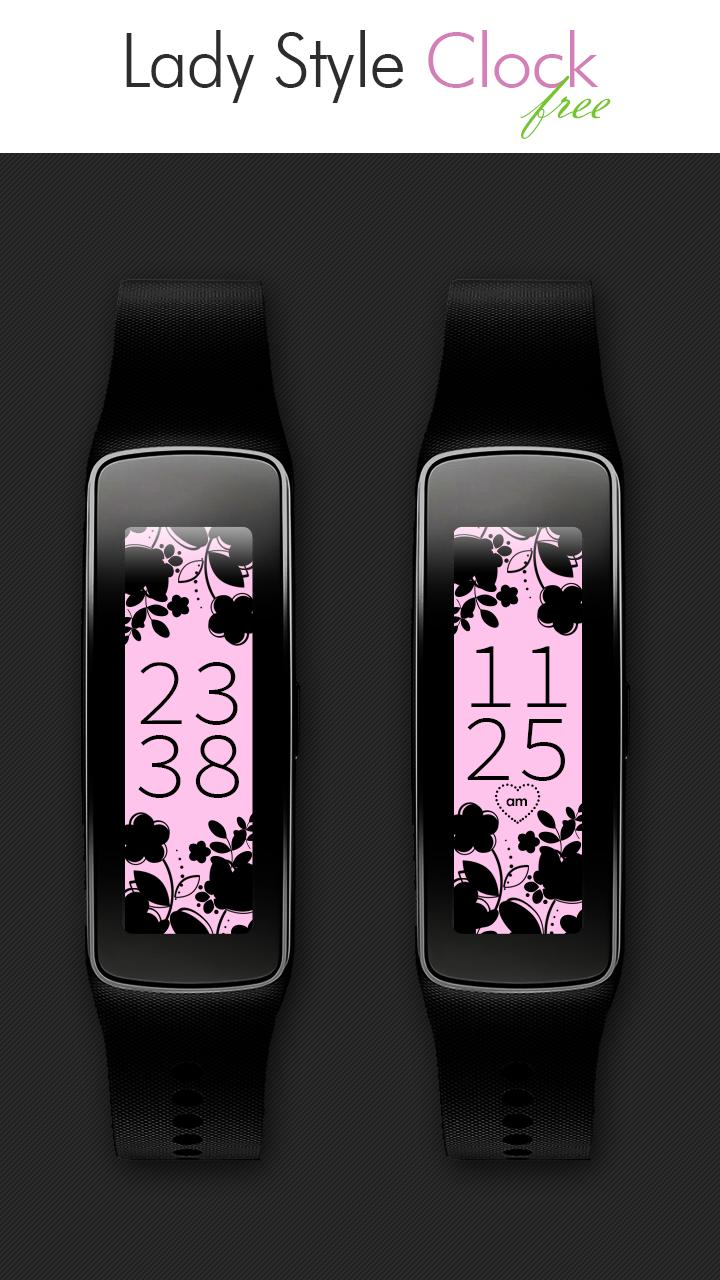
Free Lady Style Clock for Gear Fit. 12/24-hour digital time.
24/12 Free Lady Style Clock for Gear Fit.
NB: Now all Information about our Gear Fit Clocks and Gear Fit2 Watch Faces available at: http://fb.me/GearFitClocksAndGearFit2WatchFaces
This Clock application is compatible with Samsung Gear Fit that is connected to Gear Fit Manager.
Find more great themes in the premium version: http://goo.gl/mfKimu
Check Samsung Gear Fit Clocks community for more great disigns: https://goo.gl/NopnHB
▶ How to Set
- Install Gear Fit Manager and connect with your Gear Fit device.
- Download and install "Lady Style Free Clock".
- You can find the "Lady Style Free Clock" at Gear Fit Manager application (Home Screen Styler → Clock tab → Style Clocks setting menu).
- Select "Lady Style Free Clock", tap "Settings" Button, select type of time and tap "Apply" button then tap "Done" button to apply the clock to display on the home screen of your Gear Fit device.
▶ How to Uninstall
- Go to Application manager under Android Settings.
- Find and select "Lady Style Free Clock" on the list.
- Tap 'Uninstall' button to delete the application.
SAMSUNG_GEAR_FIT_CLOCK
Read more