Start Google Now right from your Pebble Time!
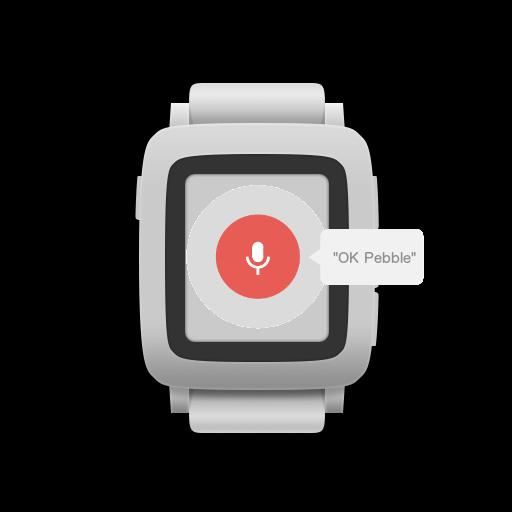
Start the "OK Pebble" watchapp on your Pebble Time and instantly dictate your command.
To use "OK Google", all you need to do is start your dictation with "OK Pebble" or "OK Google".
You can also use the text you dictate (you don't start with "OK Pebble" for this) within Tasker, the text you have dictated will be available as a variable named "%OKPEBBLE" (This is where it becomes really powerfull!)
Now you can trigger anything you want when the variable changes.
This is still a beta version, so please report all bugs
Got some ideas? Let me know!
*note* Google Now only works when your screen is on (does this automagically) and your lockscreen is dismissed (slide lockscreen is automagically dismissed).
Read more