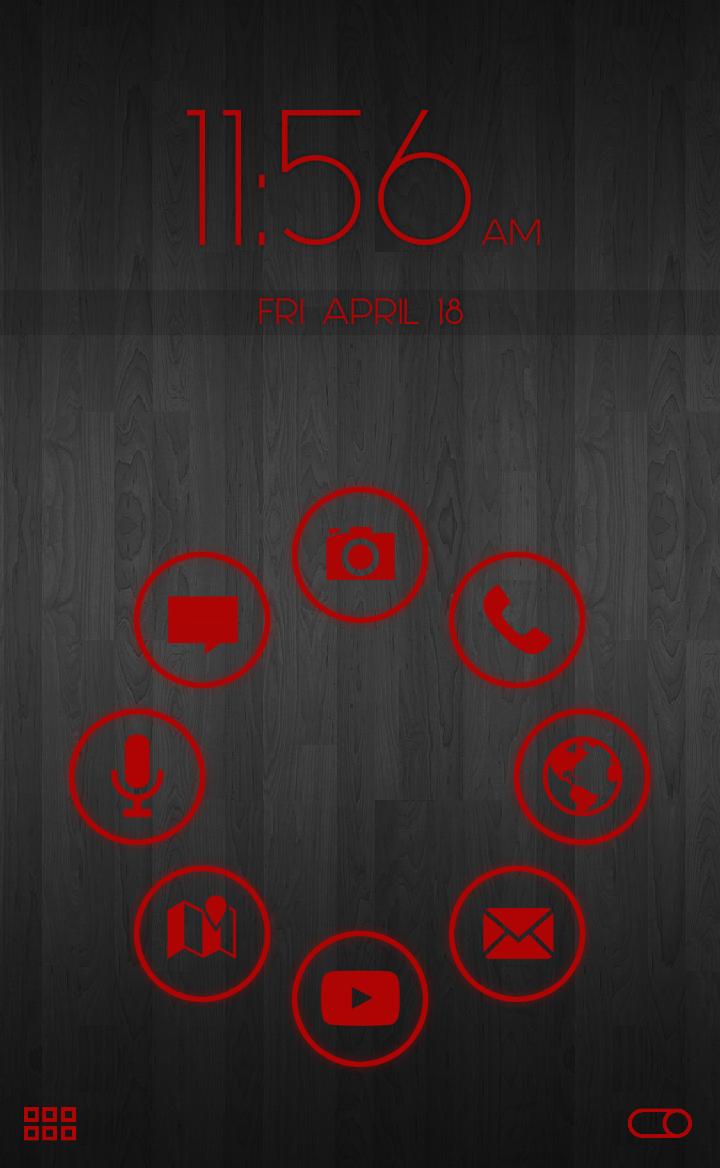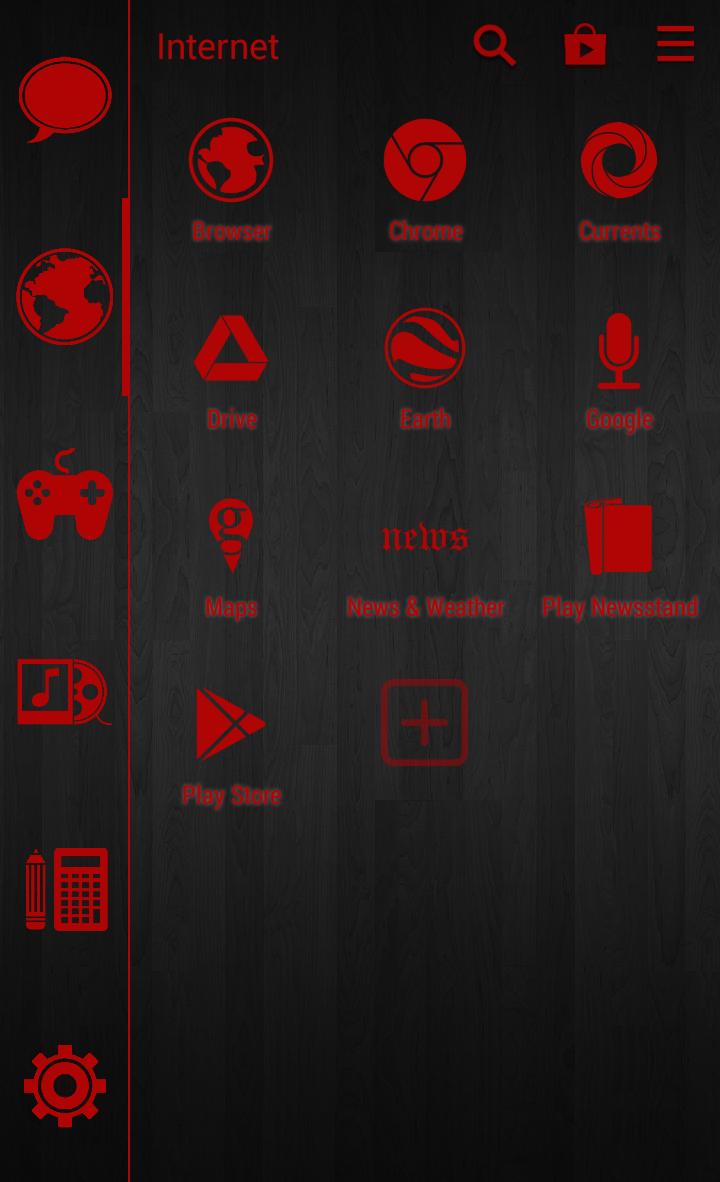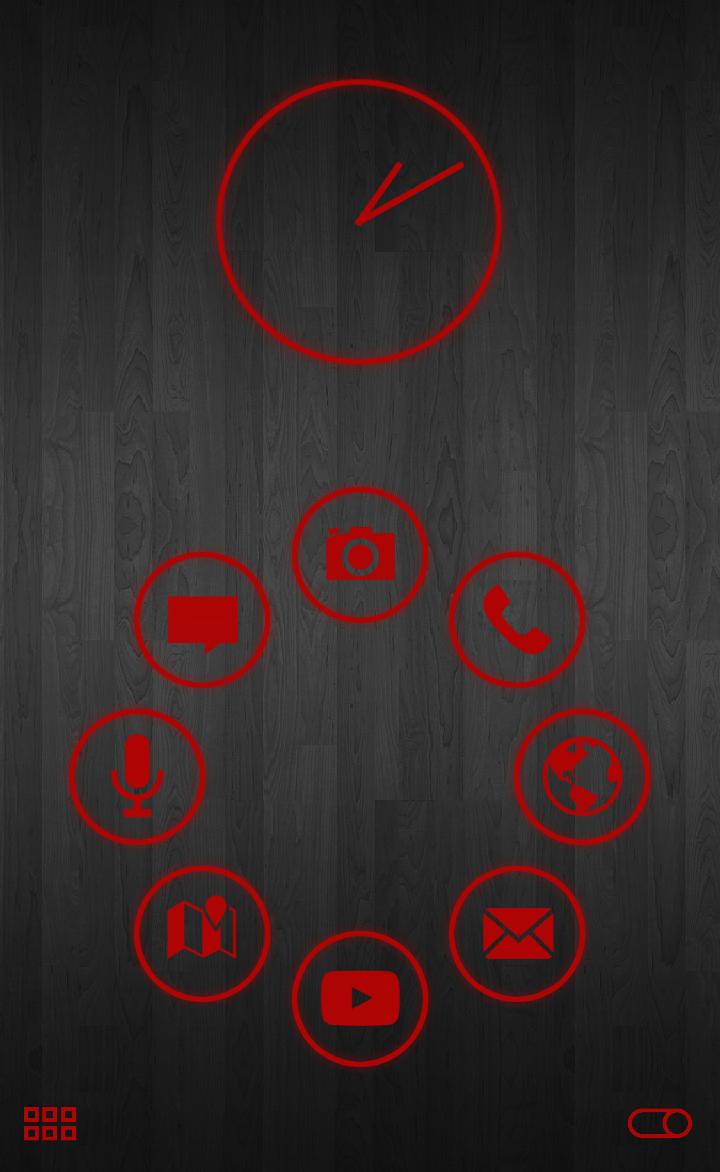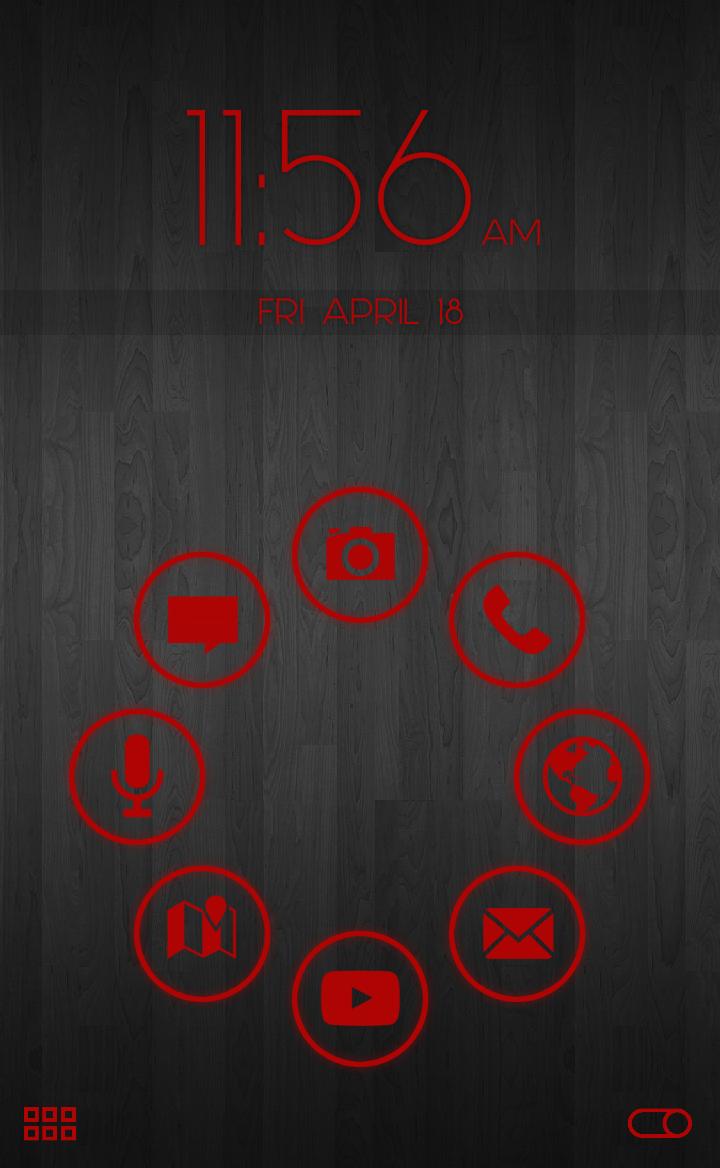
Smart Launcher Theme with red icon outlines & matching analog clock widget!
This modern bold Smart Launcher Theme is designed specifically for use with dark and vivid background wallpapers. This theme also includes a matching Analog Clock Widget!
You need Smart Launcher installed on your phone to use this theme.
To use it, first install, then in Smart Launcher hit App Drawer > Menu Button > Preferences > Theme > Stamped Red.
I recommend that users install the Stamped Red Icon Pack if it doesn't install automatically and enable it by doing the following: App Drawer>Menu Button>Theme Settings>Bubbles:icons theme
In Android 4.4, if your status and navigation bar do not show up well against a light background you can disable the transparency in Smart Launcher settings by clicking App Drawer>Menu Button>Preferences>Global Settings> Transparent Decorations.
Email me with any requests for a similar theme with a different color, bubble shape, or clock font. I am very responsive to user emails!
Read more